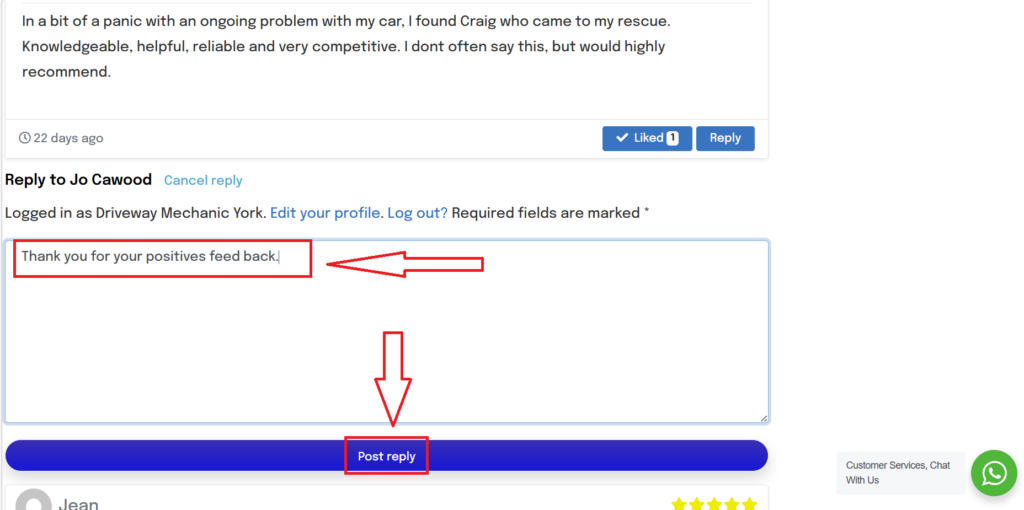
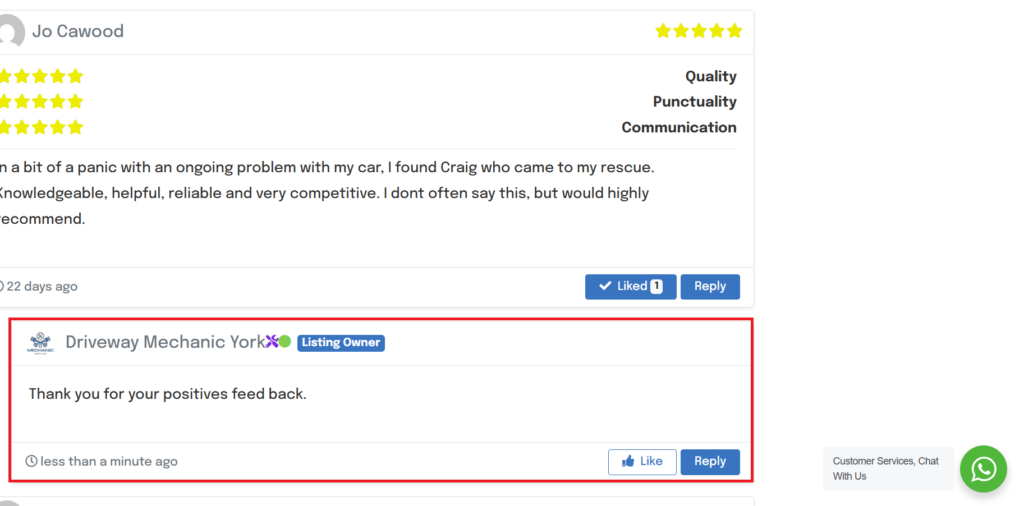
Replying to reviews is a great way to interact with vehicle owners but also adds to the search function when the system is searching for relevant mechanics. The system wants to show the vehicle owner the perfect match and will often favour listing profiles with lots of high rated and interactive reviews.
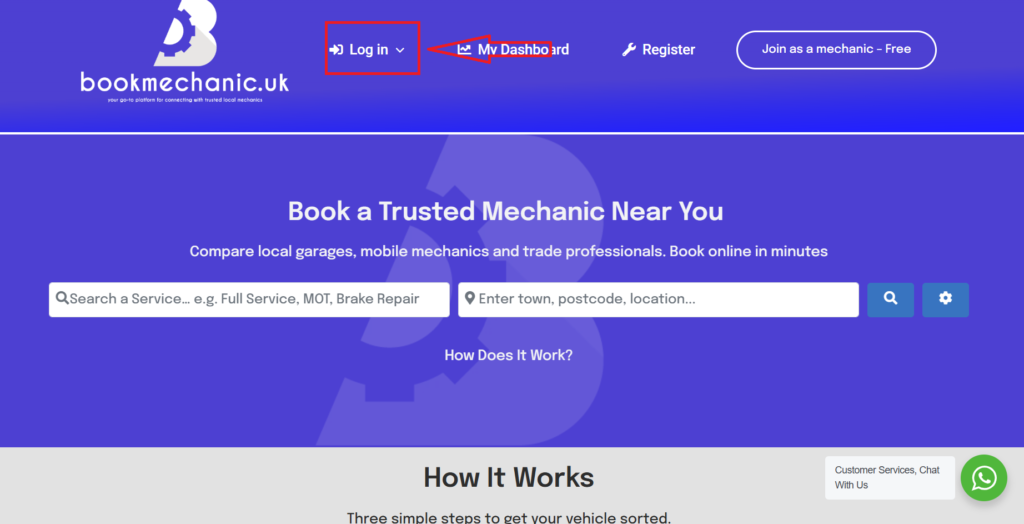
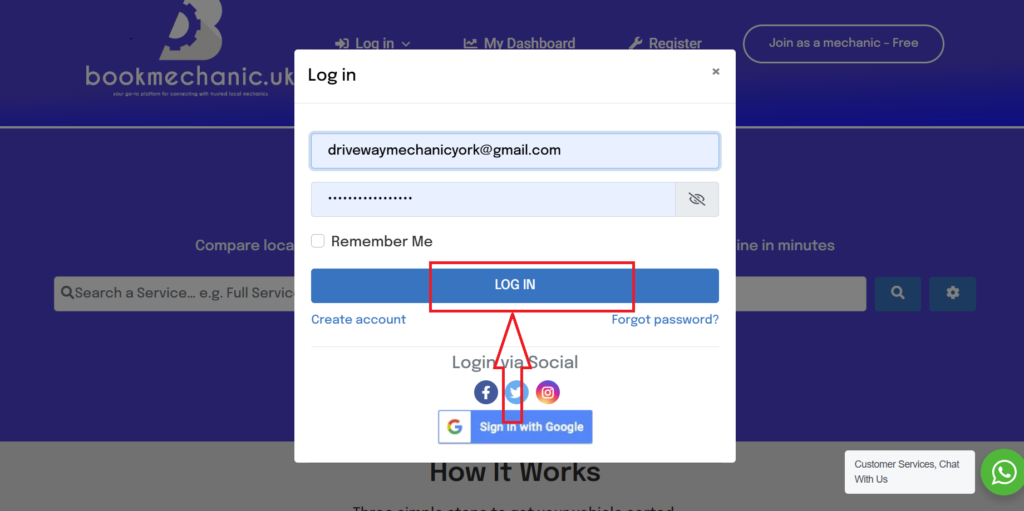
So how do I reply to a review? head over and log in.
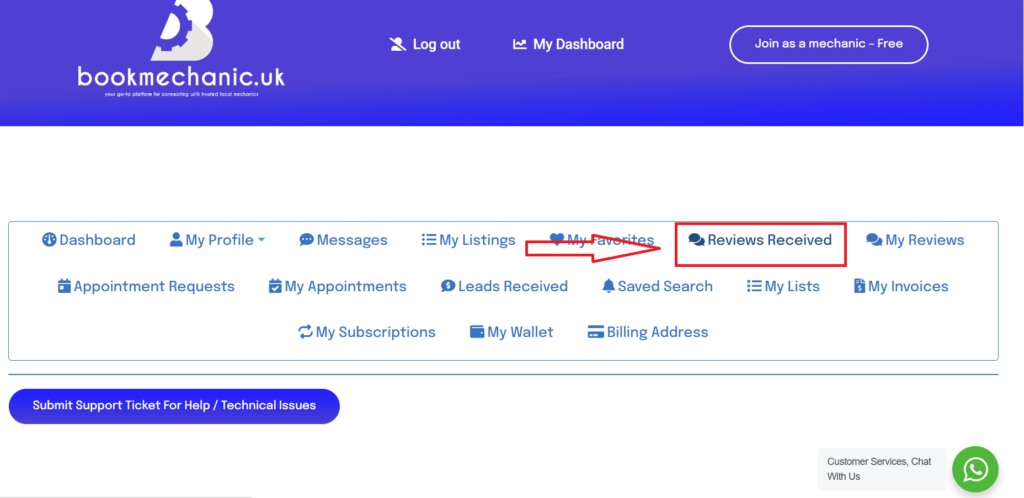
Upon been redirected on login to your Dashboard, Click on the “Reviews Received” tab.
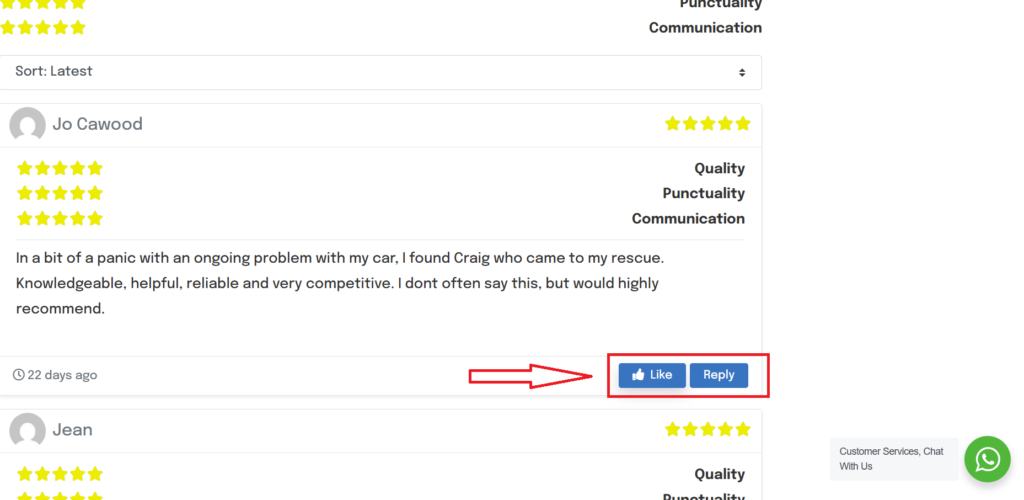
This will allow you two options to like or/and reply to your review.
After you have generated your reply click “post reply”
The customer will get an email with the reply and it will show on your review page in your profile listing.
By bookmechanic.uk|2026-03-12T21:09:53+00:0012 March 2026|Comments Off on Replying to Reviews