Skip to content
How To Up Grade My Package
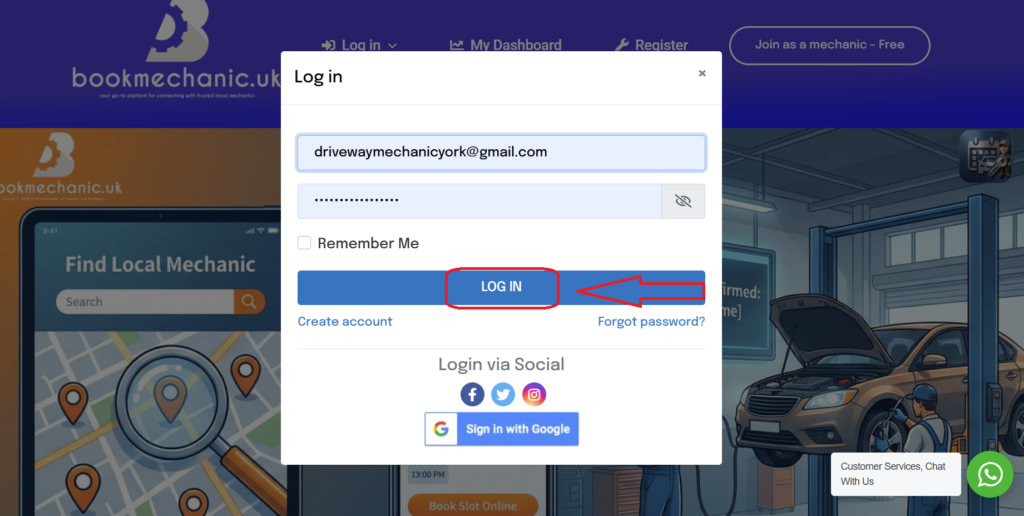
- To upgrade your package and unlock more online visibility and the benefits of an upgraded package start by logging into your dashboard.
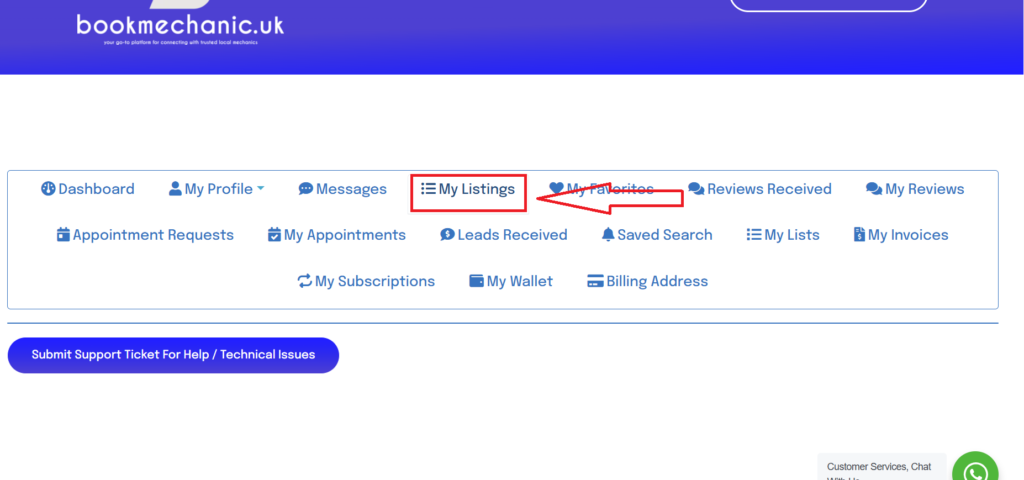
- Select the “My Listing” tab inside your mechanic dashboard.
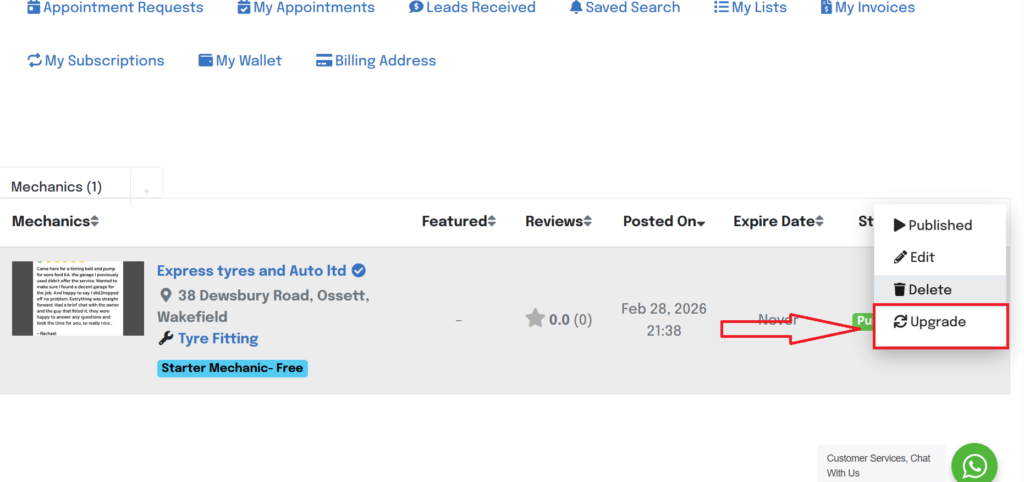
- To the right hand side select the three dots to revival a drop down menu. select the “Upgrade option”
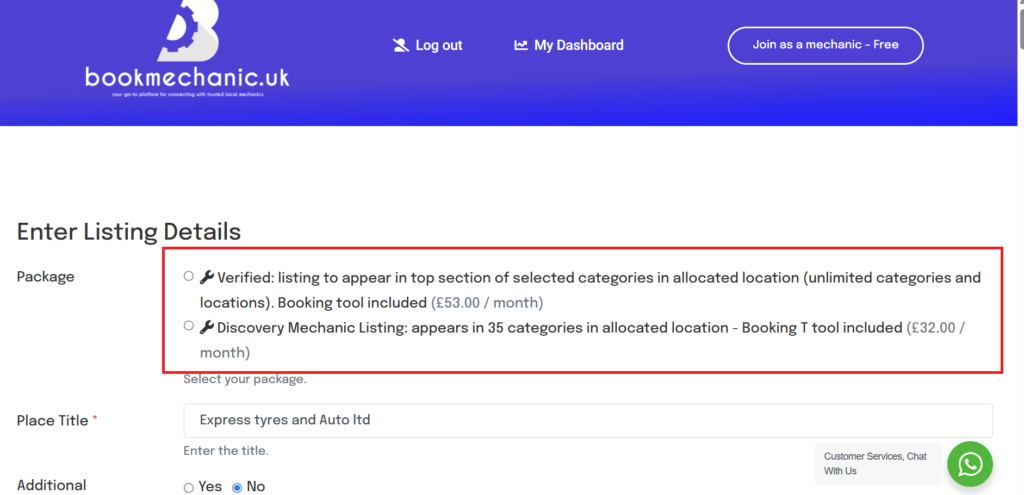
- Now check the package that suits your needs.
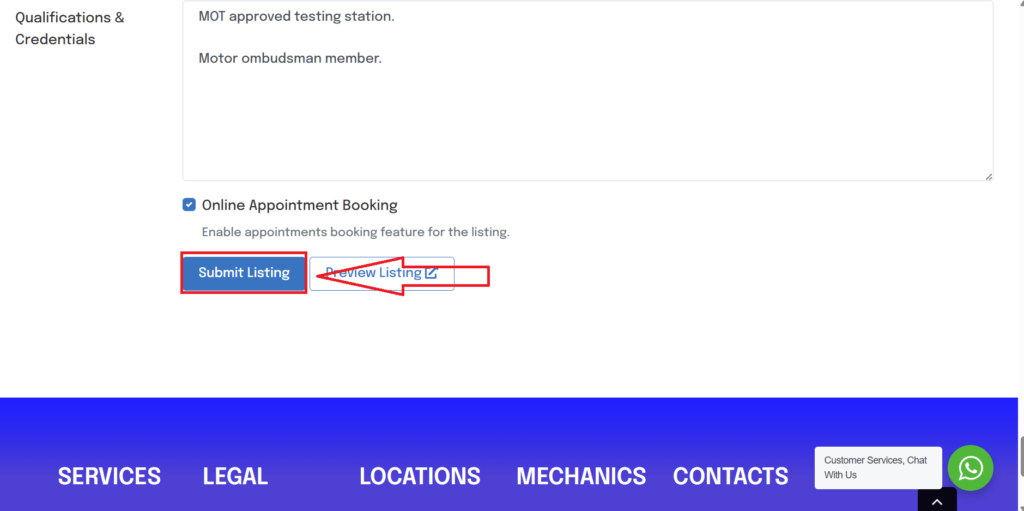
- Complete the additional new fields in your listing section and “submit listing” for approval.
Share This Story, Choose Your Platform!
Page load link