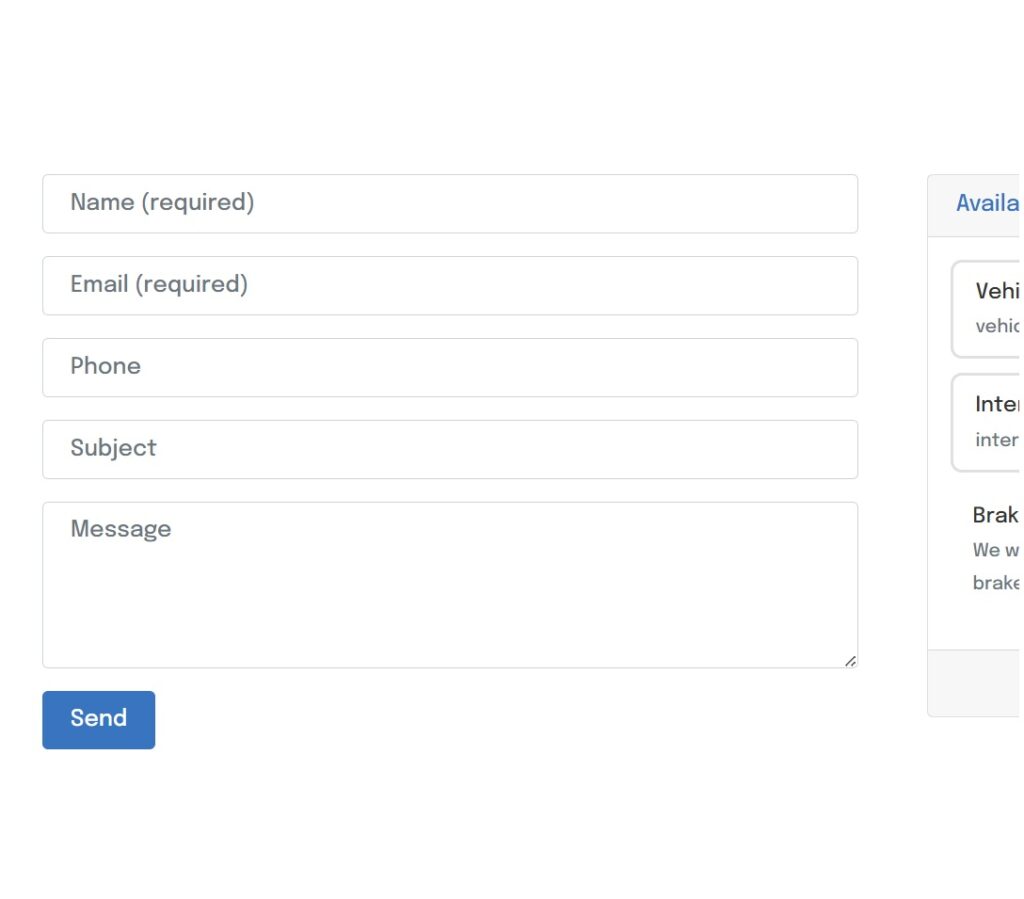
Our customer lead generator form lets customers contact you with there enquire straight into your “Leads Received”. The form is situated towards the bottom left hand side of the screen next to your booking tool.
You will receive a notification via email once a lead has landed in your dashboard.
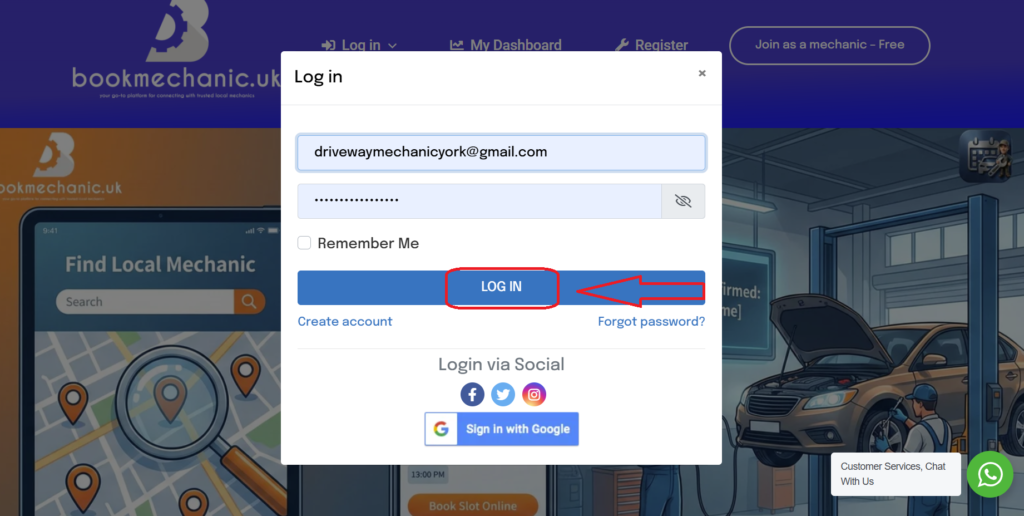
To access your “leads” start by logging into your Dashboard.
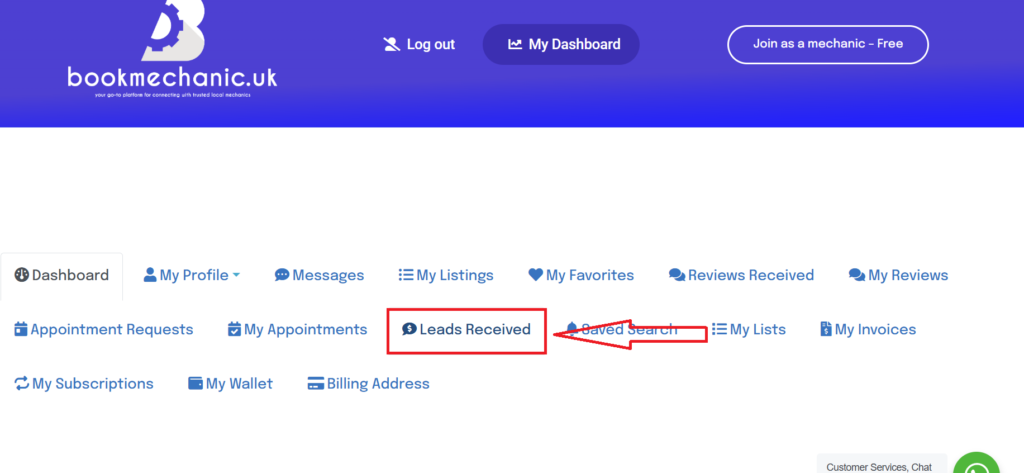
Once on your dashboard page click on “Leads Received”
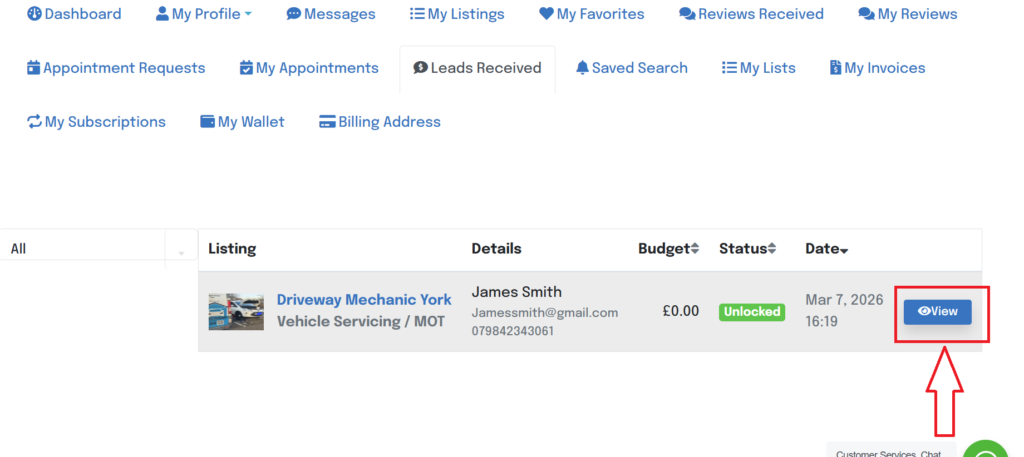
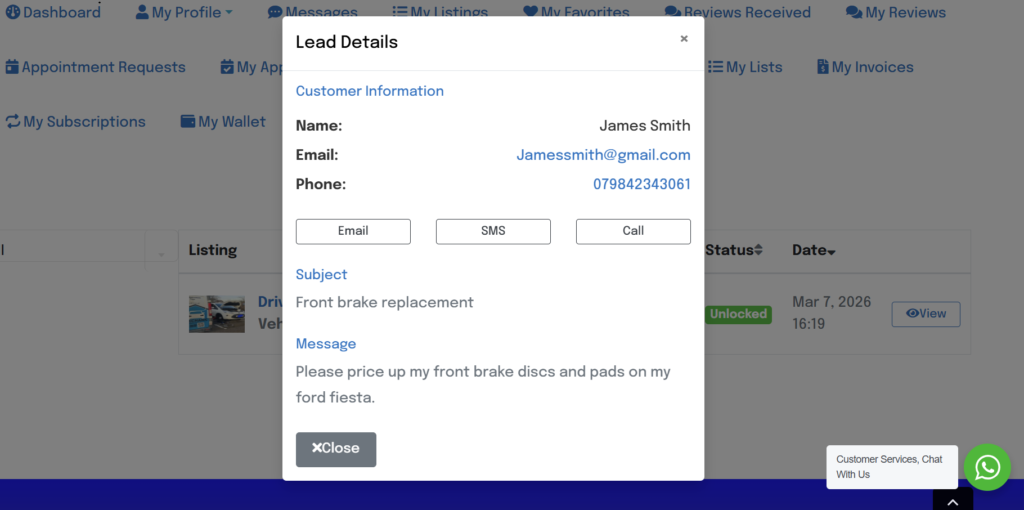
Your “leads” will appear in the box below and will allow you at accept and access customers enquires. Click on “View” next to the lead you want to view.
This will allow you to view all the customers details and messages. From here you will need to contact the customer directly.
By bookmechanic.uk|2026-03-10T21:06:11+00:0021 August 2025|Comments Off on How to Access My Leads